
YouTube Subtitle Downloader Browser Extension
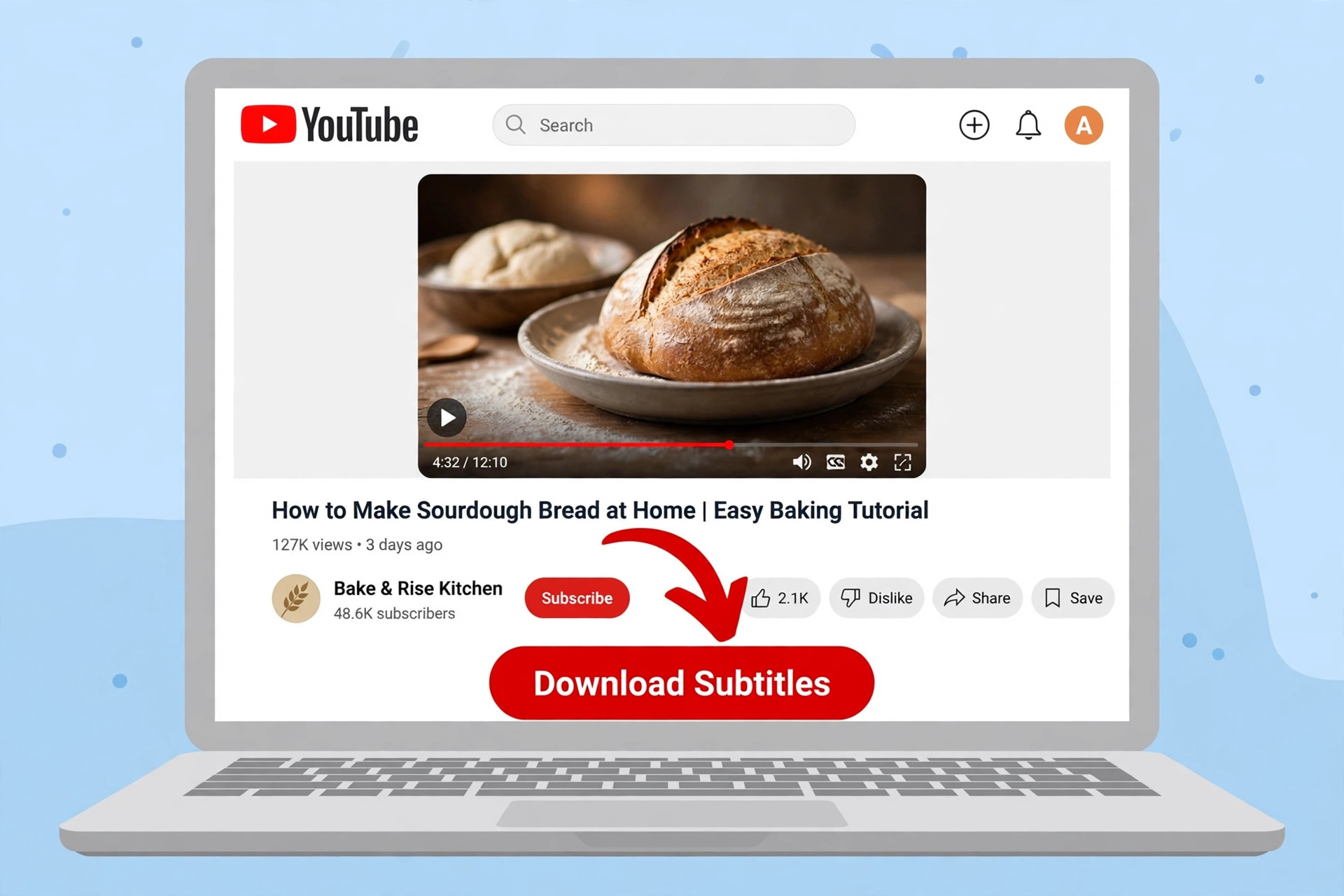
Get YouTube subtitles in one click, without copying links. The extension adds a red Download Subtitles button directly under YouTube videos, so you can save SRT, VTT or TXT files instantly while you watch.
How to install in Google Chrome
- Click Install Extension Now! — Free above to download the extension file (.zip), then unzip it to a folder on your computer.
- Open Chrome and go to chrome://extensions.
- Turn on Developer mode (top right corner).
- Click Load unpacked and choose the unzipped extension folder.
- Open any YouTube video. A red Download Subtitles button appears under the video. Click it and the video opens on our downloader with subtitles ready to save.
The extension only runs on YouTube watch pages. It does not read your passwords, history or other browsing data.